

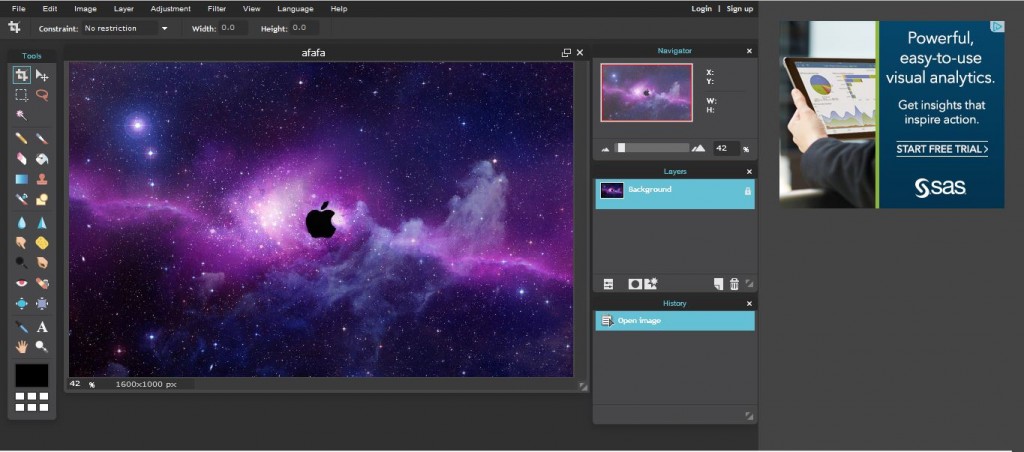

Online photo editing is becoming more powerful and popular as we move further into 2025. Editing tools were only available on big software that needed strong computers. However, today, online photo editors have improved a lot. Now, they can do almost everything that programs like Adobe Photoshop can do and you can use them right in your web browser.
Whether you are a professional designer, someone who loves sharing on social media or just enjoy fixing up your photos. These online tools give you great features and flexibility. Plus, they are easy to use without needing to install anything or pay expensive fees.
Online Photo Editing: Alternative Tools, Advantages and Their Benefits
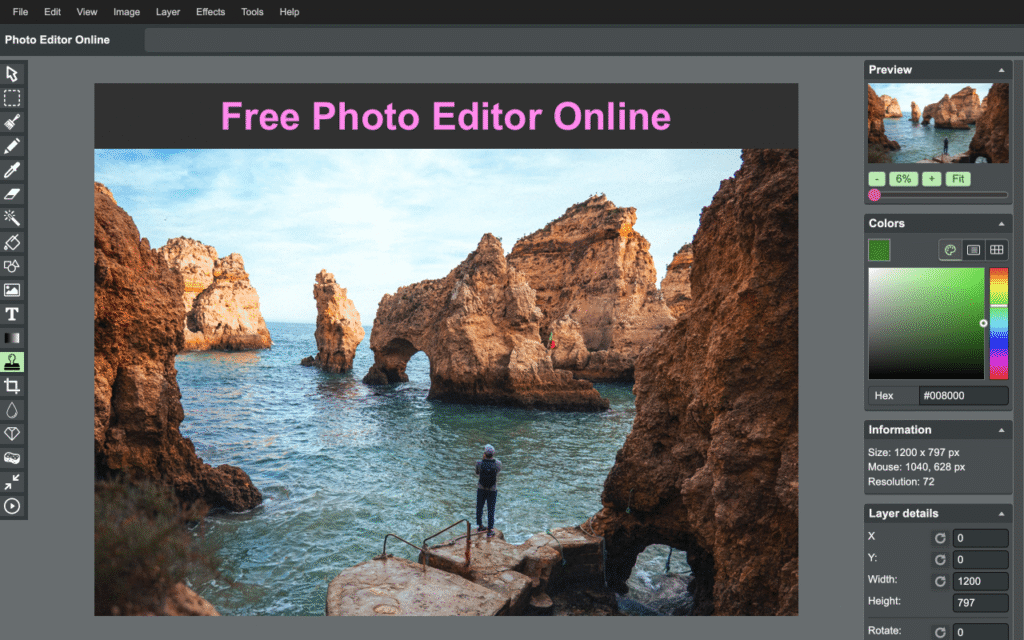
Online photo editing means changing and improving pictures using websites instead of installing software on your computer. AI tools let you do many things, like cropping, resizing, and even using advanced features such as layers and filters. One big benefit is that you can use them right in your web browser.
This means you don’t have to download or install anything. Also, this is helpful for people who have little storage on their devices or don’t want to pay for expensive software. Overall, online photo editing is easy and convenient for many users.
Why People Love Online Photo Editing and What It Can Do
Basic photo editing includes cropping to remove unwanted parts, resizing images for social media and adjusting brightness if a photo is too dark. On the other hand, more advanced edits let you remove backgrounds, fix skin blemishes, add text or apply filters that make your pictures look vintage or extra sharp. Nowadays, many tools use AI smart technology that guesses what you want, like automatically enhancing colors or erasing unwanted objects.
So, why do people love online photo editing? First, it’s free or inexpensive for most users, unlike costly software like Photoshop that requires monthly payments. Second, you can edit photos anywhere at home, work or while traveling. Finally, it’s generally safe because many sites don’t save your photos unless you choose to store them. However, it’s always important to check the privacy policies to keep your images secure.
5 Best Online Photo Editors Like Photoshop
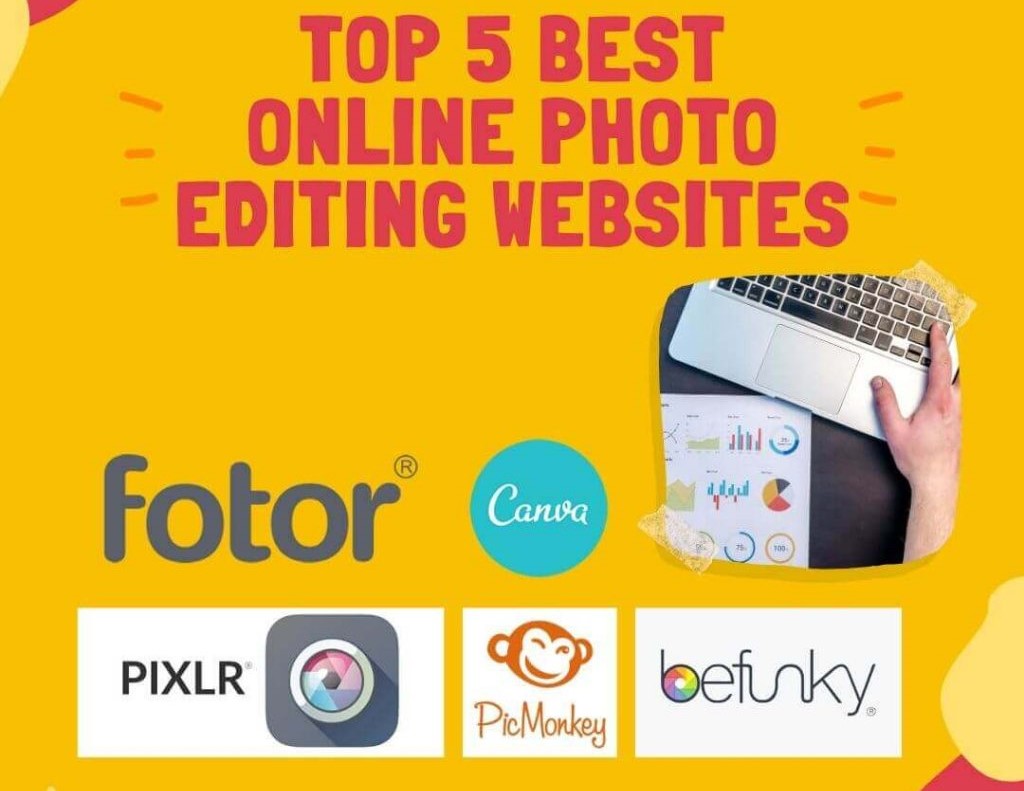
Many online photo editors have become great alternatives to Adobe Photoshop, offering powerful features for both beginners and professionals. Here are five popular options:
Fotor: Easy One Click AI Tools for Amazing Photos
Fotor is an online photo editor that is easy to use but still has strong features. It lets you do basic edits like cropping and adjusting brightness, plus advanced things like HDR effects and fixing portraits. Fotor also has ready made design templates, so you can create social media posts and marketing materials easily.
Photopea: A Free Tool Like Photoshop
Photopea is a great option for anyone who wants a Photoshop-like experience without paying. It’s a free online editor that works right in your browser, using your device to edit photos quickly. There is no need to download or sign up just go to the website and start editing. Photopea is perfect for detailed tasks like fixing portraits or making graphics. People like it because it’s fast and can open many file types from other programs. If you want a powerful but easy-to-use tool, Photopea is a top choice.
BeFunky: Fun Tools for Unique Edits
BeFunky is easy to use and offers many tools for editing photos, making collages and designing graphics. It has one click improvements, filters and text options. BeFunky is popular with people who want to create attractive content quickly and easily.
Canva: Easy Design and Photo Editing
Canva’s photo editor combines editing and design on canva.com. It’s free to use, with optional paid upgrades. You can use tools like auto-enhance, filters, text and an AI eraser. Canva even works with PSD files. It’s similar to Photoshop but focuses more on design. To use it, just upload your image, edit it and export when you’re done.
Pixlr: Easy and Fast AI Photo Editing
Pixlr has two versions: Pixlr X for beginners and Pixlr E for advanced users. Both offer many tools like layers, filters, and retouching. The interface is easy to use, so people with different skill levels can enjoy it. Pixlr also lets you save your work to the cloud, so you can access your projects on any device.
Using Adobe Express as Your Free Browser Based
Adobe Express offers a free way to use Photoshop like tools right in your browser. Just go to adobe.com or express, sign up with your email and start editing. You can upload a photo and make basic changes like adjusting brightness or cropping and even try advanced features like removing backgrounds, adding text or creating animations.
For quick, professional-looking edits, you can also apply Adobe Lightroom presets to enhance your photos instantly. When you are done, simply download your work. While the free plan focuses on basic edits, it still gives you powerful tools to create great images.
Advantages of Editing Photos Directly in Your Browser
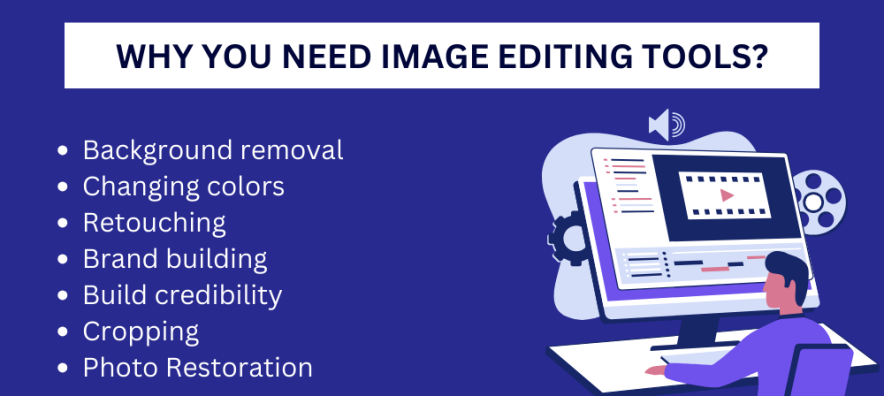
Switching to browser-based photo editing has real benefits that make things easier. First, you don’t have to fill up your computer with big programs that take up space or slow it down. Just open a browser tab and you are ready to go. Speed is another plus most online editors load quickly and make edits fast because they use cloud power. If your internet is good, you won’t see any delays. They are also great for teamwork you can share a link and friends can edit the same photo together at the same time.
Cost savings are another big advantage. Many online photo editors are free for basic tools and even paid upgrades cost less than full software programs. This means you avoid expensive monthly fees. They work on almost any device Windows, Mac, Linux or Chromebooks so compatibility is not a problem. On the downside, you need an internet connection and some advanced features may require payment. But for everyday use, the benefits are much greater than the drawbacks. That’s why millions of people use these tools, whether for fun or for small businesses.
Future of Photo Editing: Why Online Tools Matter
Online photo editors make creativity possible for everyone by removing limits like cost, hardware needs, and technical skills. Whether you are fixing a portrait, creating social media posts or making marketing materials, these tools let you produce great work from any device or place. Using online editors means enjoying a more flexible, fast and team friendly way to create. As technology improves, these tools will keep getting better, so your creativity won’t be held back by software or hardware. In 2025 and beyond, online photo editing is not just easy it’s the future of digital creativity.